
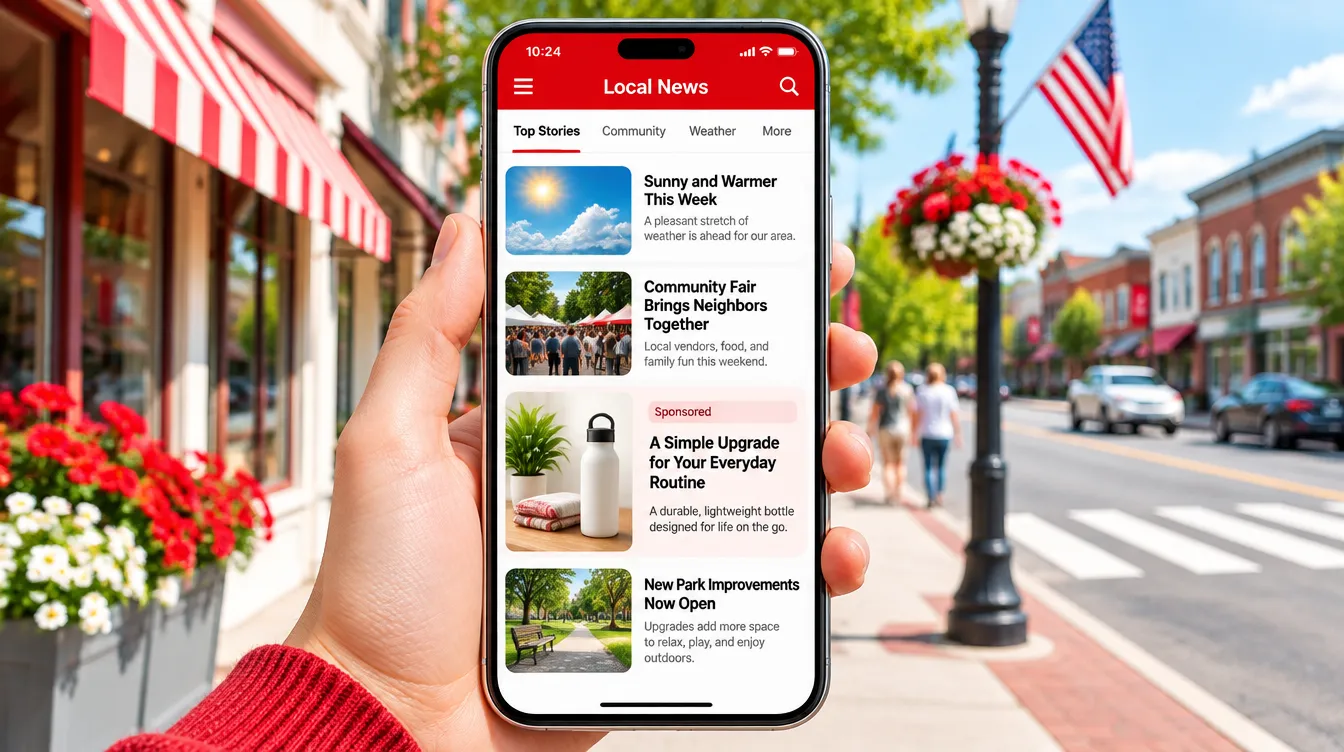
NewsBreak Ads is the self-serve ad platform of NewsBreak, a US local news app that, according to its advertiser site, reaches 40 million users a month. Ads run inside the news feed, inside articles, in a daily local newsletter and, through partners, in third-party apps. This guide explains how NewsBreak Ads works for e-commerce and lead generation, how to set it up, what budget to start with, what gets ads rejected, and how it compares with Meta and native ads.
Want to test NewsBreak on a US store? Book a call with us: we will check tracking, budget and creatives and plan the first test with you.
Key takeaways
- NewsBreak is a US channel: a mobile-first local news app with 40 million monthly users, according to NewsBreak.
- Ads look like news content: in-feed native, in-article, related-article, video, carousel and newsletter placements. Ads can also reach Scoopz and a "Premium Partners" network of third-party apps.
- For purchases, choose Website Conversions with Maximize Conversions or Target CPA. Target ROAS and Maximize Conversion Value unlock after 20 tracked purchases with order value in 14 days.
- NewsBreak recommends a daily budget of 5–10 times your target CPA. An ad set exits learning after about 20 conversions in 4 days.
- Setup has two gates: business verification, which ads cannot run without, and pixel plus postback tracking. On Shopify, the official NewsBreak app installs the pixel.
- Health claims are the main risk. Unproven medical claims, fabricated expert interviews and pages that imitate news reports lead to rejection or limited delivery.
What NewsBreak Ads is
NewsBreak is a local news and information app for the United States. It was founded in Silicon Valley in 2015 and is run by Particle Media. Users open it for their "For You" feed, local weather, safety alerts and neighborhood stories. NewsBreak Ad Manager, the self-serve platform, launched in late 2022. Today it is used by local businesses, e-commerce brands, lead generation advertisers, app developers and affiliates.
The inventory sits between two channels a DTC brand already knows. The ad appears in a feed, as on Meta, but the feed is news, so the ad works like a native ad: it has to look and read like something worth clicking in a news context. The difference from Taboola or Outbrain is that NewsBreak owns the app and its first-party data, so targeting and optimization run on its own users instead of on publisher widgets.
Who sees NewsBreak ads
NewsBreak's advertiser site says the app reaches 40 million users a month. (In 2023 the company stated 50 million monthly active users.) The audience is in the United States, and traffic is mostly mobile. Desktop traffic comes mainly through the newsletter.
NewsBreak's own Q1 2026 e-commerce playbook lists the health and wellness products that spend most on the platform:
- weight loss, the largest category;
- skin and beauty;
- brain fog and hearing loss;
- chronic pain;
- blood sugar;
- medical devices.
Treat this as a list of where advertisers spend, from NewsBreak's internal Q3 2025 data, not as a guarantee of results. It does show that health DTC brands are already active on NewsBreak, so auctions in those categories are competitive.
How NewsBreak Ads works
The structure is the familiar one: campaign, ad set, ad. You choose the objective and bidding strategy at campaign level, and placements, audience and schedule at ad set level. The ad set is where the algorithm learns.
Campaign objectives
| Objective | What it does | When to use it |
|---|---|---|
| Website Conversions | Optimizes for a tracked event, such as a purchase or a lead | Most e-commerce and lead generation campaigns. Needs event tracking first. |
| Website Traffic | CPC buying for clicks to your site | Visits without conversion tracking |
| Reach | CPM buying for impressions | Awareness |
| App Install | Optimizes for installs | Mobile apps. Needs an app event. |
| App Traffic | Sends users to a destination inside your app | Re-engagement |
Bidding strategies
| Strategy | Best for | Watch out for |
|---|---|---|
| Maximize Conversions | New accounts, or no CPA baseline yet: it spends the daily budget to get as many conversions as possible | No CPA ceiling |
| Target CPA | A clear acquisition cost goal | A target that is too low restricts delivery |
| Target ROAS | Stores with different order values and a ROAS requirement | Needs 20 purchases with value in the last 14 days |
| Maximize Conversion Value | Growing total revenue when order values differ | Same 20-purchase threshold, no fixed ROAS |
NewsBreak's optimization engine uses first-party data from in-app and newsletter behavior plus local signals. NewsBreak recommends starting new campaigns with broad targeting. Keep only geography and the restrictions your business or compliance require, and test age, gender or interest audiences later in separate ad sets.
One detail matters for lead generation: NewsBreak predicts users' ages with a model. An age-targeted campaign can therefore bring some leads outside your age range. NewsBreak suggests three fixes: state the age requirement in the ad, ask for age in the form, or send low-value leads back with a value of 0.
Where NewsBreak Ads runs
NewsBreak describes its audience as users across the United States, so plan it as a US channel. A brand that sells only in Italy or elsewhere in Europe has no use for it. A European brand that ships to the US can use it to sell there.
Inside the platform you choose among five placement options:
- Unlimited (recommended to start): the system delivers across every source below.
- NewsBreak: the app itself, with in-feed, in-article and carousel ads that look like editorial content.
- Scoopz: a partner app with lifestyle and trending content, mostly younger users.
- Premium Partner: vetted third-party apps and sites, including mobile games. It is in open beta and is included automatically when you choose Unlimited. Formats are interstitial, native and 300×600 banner, and at launch you cannot exclude single apps.
- Newsletter: NewsBreak's daily local digest, which also carries its desktop traffic.
If you want your ads only in the news environment, choose NewsBreak (and Newsletter) instead of Unlimited. The trade-off is less volume during learning.
How to set up NewsBreak Ads, step by step
- Create the account. Go to admanager.newsbreak.com, sign up with a company email (it receives all billing notifications) and verify the address.
- Verify the business. Choose "Individual Advertiser" (for example an affiliate without a registered company) or "Company". Then provide the legal name, website, address, a business ID (Tax ID, DUNS or your country's equivalent) and supporting documents. Ads cannot be approved until verification is complete. It usually fails when the website does not match the business name or the documents are unclear. NewsBreak says submitting ads helps speed it up. When we onboarded a US client, a banner on the dashboard blocked delivery until the documents were uploaded.
- Add a payment method. A card on file is required even if you are spending ad credits. Larger accounts can ask their account manager about post-payment.
- Install the pixel first. Do it as soon as the account exists, ideally before campaigns go live, so the system starts collecting page views. On Shopify, install the NewsBreak Advertising app, paste your NewsBreak Account ID and run the event test. On other sites, use Google Tag Manager or custom code.
- Add the postback. The pixel records browser actions. The postback sends server-confirmed conversions and gives more accurate purchase data. NewsBreak recommends both.
- Track the full funnel. For e-commerce: Page Load → View Content → Add to Cart → Initiate Checkout → Complete Payment. For lead gen: Page Load → Button Click → Form Submission → final action. Test each event in Event Management and save it before launch. To verify Complete Payment, make a real test purchase.
- Build the campaign. Choose Website Conversions and Maximize Conversions, then 1–2 campaigns, 2–3 ad sets per campaign and 3–5 distinct creatives per ad set. With a budget under $200 a day, use 2–3 creatives per ad set.
- Submit and leave it alone. Most ads are approved in about 20 minutes. During learning, do not edit budget, bid, targeting, dayparting or creatives: any change resets it.
Two tracking mistakes cost the most:
- Losing the click ID. If you use a pre-lander (an advertorial, a listicle, a Funnelish or ClickFunnels page) before a Shopify checkout, the pre-lander needs the NewsBreak pixel too. It must also pass the click ID (
nb_cid) through to the checkout. Without it, purchases are not attributed. - Counting purchases twice. Each ad set optimizes on one event and one tracking type, pixel or postback. Do not add the two totals together, because they can contain the same orders. If you track with Voluum or another tracker, the postback setup is similar to the one in our guide to tracking native campaigns with Voluum.
How much budget you need to start
We found no account-level minimum in NewsBreak's documentation. The budget rule is tied to your CPA:
- Maximize Conversions: a daily budget of 5–10 times the target CPA. NewsBreak says $100–500 a day is a common starting range.
- Target CPA: a daily budget of at least 10 times the target CPA.
- Learning: a website conversion ad set exits learning after 20 conversions within 4 days. If an ad set shows "learning slowly", NewsBreak suggests relaunching it as a new ad set instead of editing it.
A worked example: with a $40 target CPA, Maximize Conversions means $200–400 a day per campaign. Getting 20 purchases in four days at that CPA takes about $800 of spend per ad set.
How NewsBreak says to scale:
- raise Maximize Conversions budgets by no more than 50% at a time;
- wait at least 48 hours, typically 2–3 days, between adjustments;
- change one variable at a time;
- don't change the bidding strategy during learning; once Target CPA hits the goal but volume is low, switch to Maximize Conversions with a budget 30% higher, or raise the bid by no more than 30%;
- scale on weekends, when NewsBreak says CPMs are lower;
- add a frequency cap only after learning, and only if CPA is high.
On new channels we scale more slowly than that 50% ceiling: 15–20% every two days on stable ad sets, the same rule we use on native.
Creatives that fit NewsBreak
- Images and GIFs: 16:9 horizontal, natural, little text, so they look like part of the feed.
- Video: 9:16 vertical in UGC style. Test 15–30 second cuts, and longer videos or VSLs when the product needs explaining. NewsBreak suggests about one minute for e-commerce and lead gen.
- Keep formats apart: test images and videos in separate ad sets where the budget allows.
- Headlines: NewsBreak is a news aggregator, so informational, news-like or educational headlines blend in. Avoid aggressive sales language and excessive capitals. They hurt CTR and are a common reason for rejection.
- Delivery is uneven by design: in each ad set the system gives most of the spend to 1–2 winning creatives. That is not a delivery bug.
- Refresh carefully: add at most 2–3 new creatives at a time, no more than once a week. NewsBreak works on a 7-day CPA cycle, and frequent changes reset optimization.
- No duplicates: don't run the same creative in several ad sets of the same account, because your ads end up competing against each other.
To read the results:
- CTR falls while CVR holds → test new creatives and angles.
- CVR falls while CTR holds → check the landing page, the offer and the checkout first.
Approval: what NewsBreak looks at
Every ad goes through automated and human review. The review covers:
- the headline and body copy;
- the image or video;
- the targeting;
- the landing page. It must work, match the ad and show a contact method and a privacy policy.
Approval can be withdrawn: NewsBreak re-reviews ads periodically.
The restricted categories most relevant to DTC brands are:
- prescription drugs, unapproved supplements, medical institutions, telehealth, and weight loss products with unrealistic claims;
- alcohol and tobacco;
- weapons;
- dating;
- betting, crypto and gambling, which are allowed only under stricter criteria.
Advertising to minors is prohibited.
For health advertisers, the more useful page is the one on "Limited Delivery". This status means the ad runs but is blocked from part of the network. NewsBreak lists the most common causes:
- medical claims ("miracle cures", disease prevention, parasite cleanses) without clinical or regulatory evidence;
- sensational headlines, fabricated expert interviews, or staged images made to look like real news reports;
- disturbing images, such as graphic parasites;
- unverified endorsements or unrelated political slogans.
This matters if your funnel uses an advertorial. A presell page written as a news story, with an invented doctor or a fake news-site layout, is exactly what NewsBreak restricts. Use real, documented sources and keep the page clearly labeled as advertising.
If an ad is rejected:
- hover over the status to see the reason;
- edit the ad to fix the issue, or file an appeal. Appeals take 1–2 business days, and each ad gets only one;
- don't keep resubmitting copies of a rejected ad: it can trigger account penalties.
For limited delivery, NewsBreak offers a second route: duplicate the ad set and deliver only on Scoopz and/or Premium Partner, which have different requirements.
NewsBreak Ads vs Meta vs native ads
| NewsBreak Ads | Meta Ads | Native ads (Taboola, Outbrain, MGID) | |
|---|---|---|---|
| Where the ad appears | Feed and articles of a local news app, newsletter, partner apps | Facebook and Instagram feeds, Stories, Reels | Recommendation widgets on publisher sites |
| Markets | United States | Almost every country | US, Europe and most other markets |
| Targeting | Broad plus geo; age, gender, interest and contextual available | Broad or Advantage+ audiences, custom and lookalike audiences | Contextual and site-level, plus audiences |
| Bidding | Max Conversions, Target CPA, Target ROAS, Max Conversion Value; CPC and CPM objectives | Highest volume, cost cap, ROAS goal | CPC with conversion-based strategies |
| Learning | About 20 conversions in 4 days per ad set | About 50 conversions in 7 days per ad set | Varies by platform |
| Creative | 16:9 native images, 9:16 UGC video | 9:16 and 4:5 video and images, UGC | Image, headline, then an advertorial or landing page |
| Health claims | Restricted; unproven claims limit delivery | Strict, with account-level enforcement | Strict, reviewed ad by ad |
The three channels catch people at different moments. Meta interrupts a social scroll. Native ads catch someone reading an article on a publisher site. NewsBreak catches someone checking local news in an app they open every day. That makes it a natural second or third channel for a US brand that already has creatives and a pre-lander that work on Meta or on native.
Who NewsBreak Ads is for
Good fit:
- DTC brands that sell in the US, especially in the health and wellness categories NewsBreak lists as top spenders;
- brands that already have reliable purchase tracking (pixel plus postback) and a mobile checkout that works;
- lead generation for US services, where local targeting is useful;
- affiliates, who can verify as individual advertisers;
- advertisers whose claims can be documented and who are willing to keep pages clearly labeled.
Not a fit (for now):
- brands that sell only in Italy or in Europe;
- stores that can't track purchases yet, because the smart bidding strategies depend on that data;
- offers that rely on cure claims, fake news layouts or invented testimonials;
- budgets that can't support 5–10 times the target CPA per day for a few weeks.
Want to compare NewsBreak with other channels? See our guides to native ads, AppLovin Ads and the best native advertising platforms.
Frequently asked questions
Is NewsBreak Ads only for the US?
NewsBreak is a US local news app and describes its audience as users across the United States. Plan it as a US channel. A European brand can use it to sell to US customers.
What is the minimum budget on NewsBreak Ads?
We found no account minimum in NewsBreak's documentation. NewsBreak recommends a daily budget of 5–10 times your target CPA with Maximize Conversions, and says $100–500 a day is a common start. For Target CPA, it recommends at least 10 times the target.
Does NewsBreak Ads work with Shopify?
Yes. Install the NewsBreak Advertising app from the Shopify App Store, enter your NewsBreak Account ID and test the events. To verify Complete Payment, make a real test purchase. If a pre-lander sits before the store, it needs the pixel too and must pass the nb_cid click ID to the checkout.
Should I start with Maximize Conversions or Target CPA?
Start with Maximize Conversions on a new account, so the system can collect conversions. Move to Target CPA once you know your real CPA and need to control it. Don't switch during learning, and don't set the target well below what you are actually achieving.
Can affiliates advertise on NewsBreak?
Yes. Business verification has an "Individual Advertiser" option for people running ads without a registered company, such as affiliates. NewsBreak's documentation also covers ClickBank sale events for value-based bidding.
How long does ad approval take on NewsBreak?
Most ads are approved in about 20 minutes. Appeals take 1–2 business days, and each ad can be appealed only once. Business verification has to be complete before any ad can run.
Want help launching on NewsBreak?
We run native and Meta campaigns for DTC and lead generation brands that sell in the US. If you want to add NewsBreak to your mix, book a call: we will check tracking, budget and creatives with you before the first dollar is spent. You can also see how we work on native ads for DTC brands.
Sources: NewsBreak, Advertising Platform; NewsBreak Ads Help Center, About NewsBreak Ads; Create Your First Ad; Best Practices for E-commerce & Affiliate Advertisers; Scaling Your Campaigns; Creative Testing Best Practices; Best Practices for Event Tracking; NewsBreak App for Shopify; Verify Your Business; Cold Start (Learning Period) Status; Premium Partners Overview; Restricted Advertising Categories; Resolving Limited Ad Delivery; Ad Appeals & Review Process; Ecommerce Playbook Q1 2026; PR Newswire, NewsBreak launches Maximize Conversions (2023).

Roberto Dell'Ariccia
Co-founder, Strategy & Media Buying
Roberto Dell'Ariccia is co-founder of Digital Brothers. He leads strategy and media buying and helps DTC brands scale beyond Meta with native ads on Taboola, Outbrain and MGID.
About Digital Brothers →